The PressOn app
Touch your phone to PressOn, and today’s reading opens in the app, on iPhone and Android.
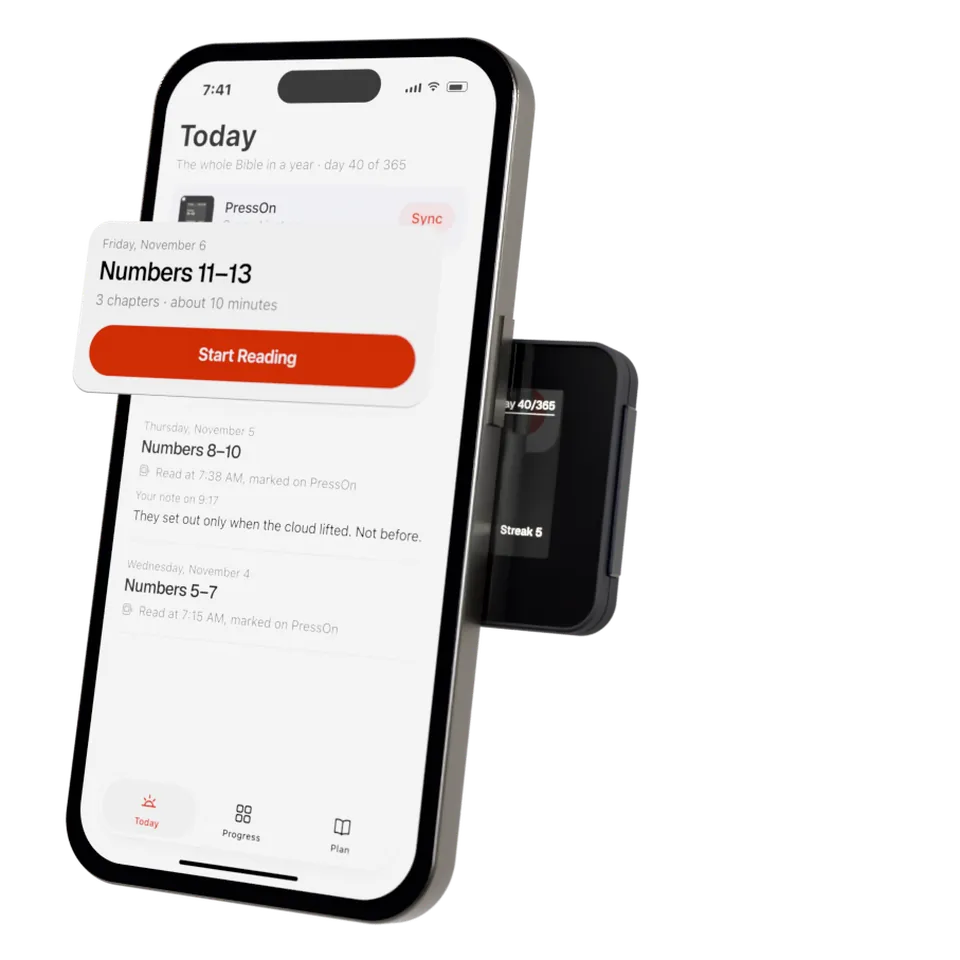
Read it there
Start the day’s reading in one tap, in the app’s Bible or the Bible app you already use.
Choose a plan
M’Cheyne’s is built in. The app adds the Bible in a year, the New Testament in 90 days, Psalms and Proverbs in a month, or a plan you build.
Every day, written down
What you read, when you marked it, and your notes.
A reminder
At the time you choose.
The app never marks a reading. Only the press does.
The app is in development. Leave your email to hear when it’s ready.
News about PressOn only, when there is news. Privacy (opens in a new tab)
New to PressOn? See how it works